
Who can do this: Admins
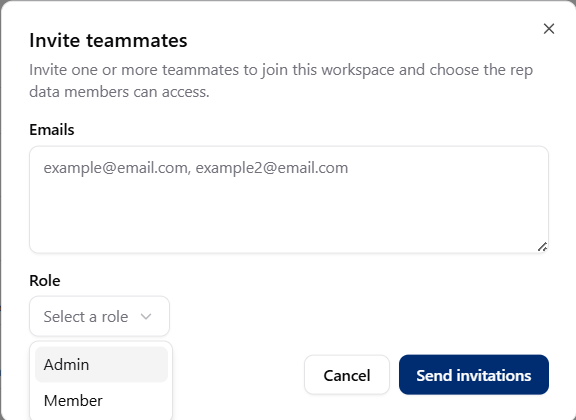
Invite a Member
1
Go to the Team page
2
Select Invite
Start a new teammate invitation.
3
Enter the person's email
Use the email address they should use to join your workspace.
4
Choose Member
Select Member as their role.
5
Choose rep access
Choose whether they can access all reps, specific reps, or no reps yet.
6
Send the invite
Select Send invite.
What’s next
Adjust rep access
Change which reps the Member can view anytime.
Change their role
Promote them to Admin later if needed.