
What You'll Need
- An active Objectionly account
- A Fathom account with access to API keys
Connect Fathom
1
Open Integrations in Objectionly
Go to the
Objectionly integrations page.
2
Click Connect on Fathom
Find the Fathom card and click Connect.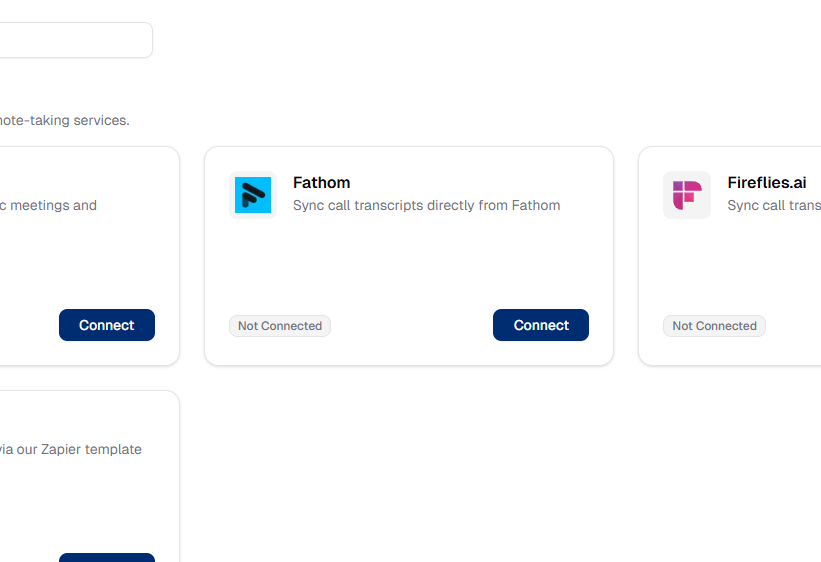
3
Create a Fathom API key
Open the Fathom API keys page and
create a new API key.
We recommend naming it Objectionly API key.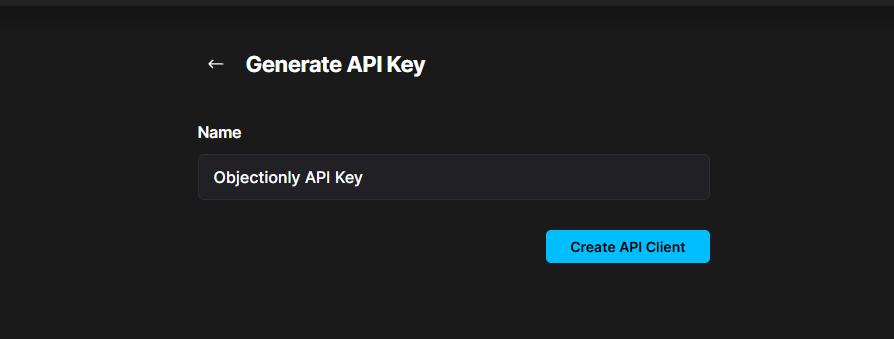
4
Paste the key and connect
Copy the API key, paste it into the Objectionly input, and click
Connect to Fathom.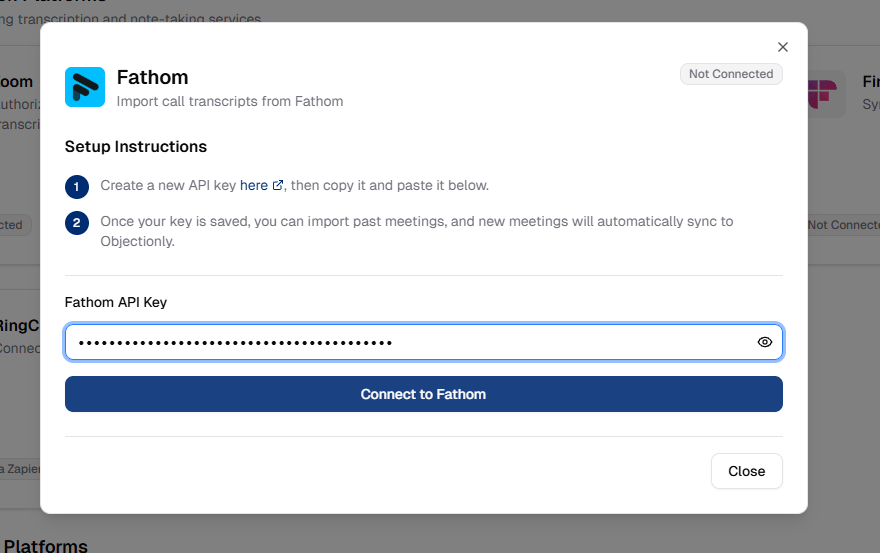
What happens next
Automatic sync
New Fathom meetings will automatically sync to Objectionly for processing.
Import past meetings
Use Import Previous Meetings to bring in historical calls on demand.