
Who can do this: Admins
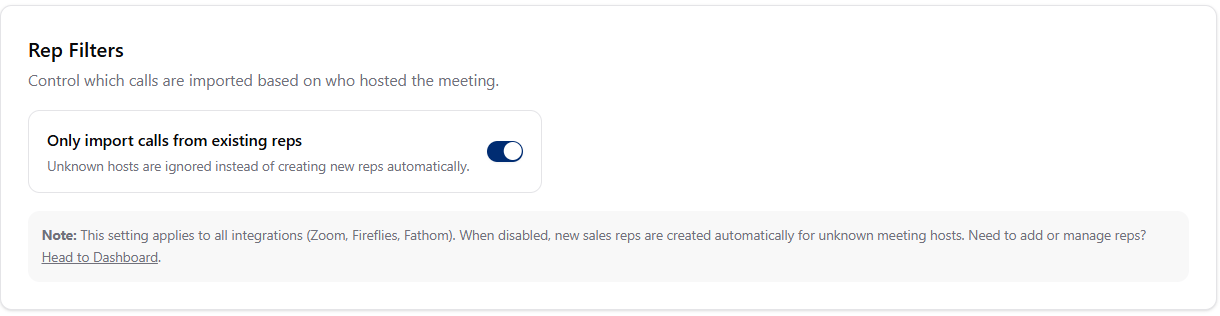
Only import calls from existing reps
When turned ON
When turned ON
- Objectionly only processes calls hosted by reps already in your workspace.
- Calls from unknown hosts are filtered out.
- Matching checks the rep’s email and any unique identifiers you have saved.
When turned OFF
When turned OFF
- Objectionly automatically creates new reps when calls come in from unknown hosts.
- Useful when your team is still getting set up, or new reps join often.
When to use each option
Turn it ON when
Turn it ON when
- Your team list is stable
- You want tight control over who gets tracked
- Every processed call matters for your plan
Turn it OFF when
Turn it OFF when
- You are still onboarding and adding reps
- You have frequent team changes
- You want Objectionly to auto-discover reps
Change the rep filter setting
1
Go to the Meeting Filters page
2
Find Rep Filters
Open the Rep Filters area.
3
Toggle the setting
Turn Only import calls from existing reps on or off.
4
Let the change save
Changes save automatically.