
Who can do this: Admins
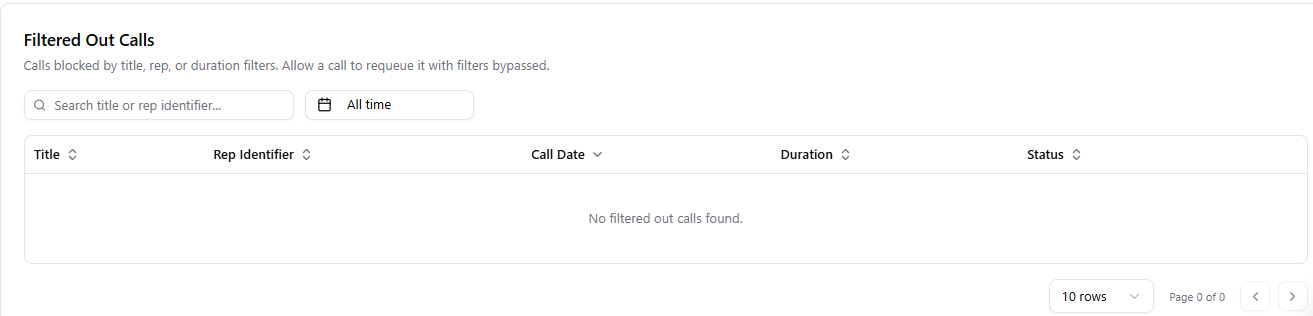
Why a call might appear here
- The title did not match any Title Filter
- The host was not an existing rep when rep filtering was on
- The call was too short, at or below the duration minimum
- The call was longer than 8 hours
Allow a filtered out call
Use this when Objectionly filtered out a call, but you still want it processed.1
Go to the Meeting Filters page
2
Find Filtered Out Calls
Open the Filtered Out Calls area.
3
Locate the call
Find the call you want to process.
4
Allow the call
Select Allow.
What happens when you allow a call
- The call is sent back to processing.
- Filters are skipped for that call.
- Once processing finishes, the call appears in Calls and your reporting.