
Who can do this: Admins
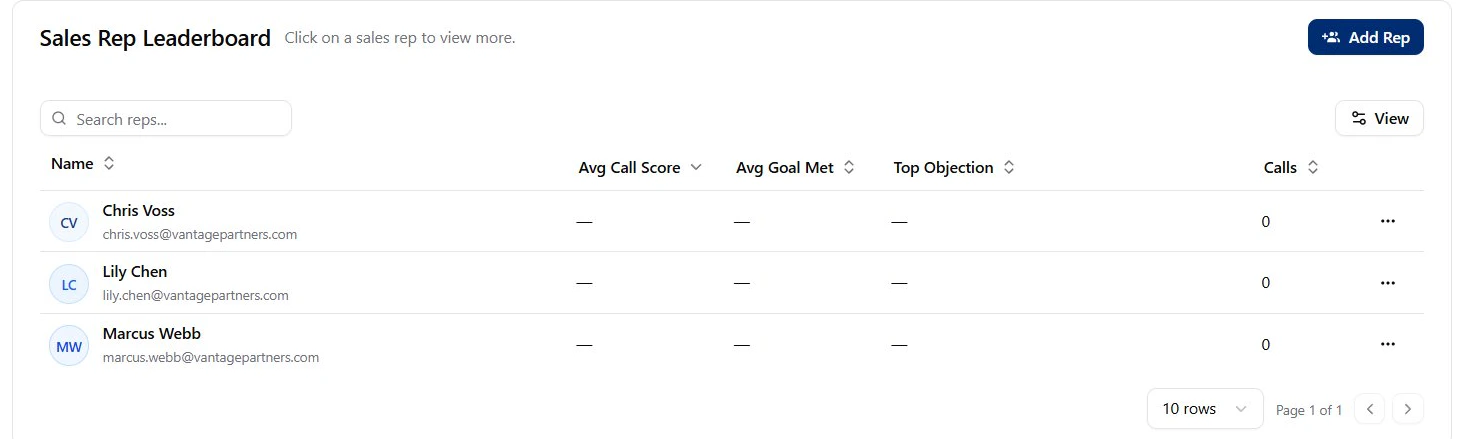
Rep management tasks
Add a Rep
Create a profile so Objectionly can attribute calls and reporting to a salesperson.
Edit a Rep
Update a rep’s name, identifier, or scoring framework.
Delete a Rep
Remove a rep profile that should no longer be tracked.
A Rep is a reporting profile, not a login account. To let a rep log in, invite
them as a Member after creating the rep.
What’s next
Invite a rep as a Member
Let a rep log in to review their own calls and reports.
Assign rep access
Control which reps each Member can view.
Learn how access works
Understand all reps, specific reps, and no reps assigned.