> ## Documentation Index
> Fetch the complete documentation index at: https://docs.objectionly.com/llms.txt
> Use this file to discover all available pages before exploring further.
# Managing Team Members
> Invite teammates to Objectionly and manage login roles for your workspace.
Use Team settings to add teammates, change login roles, and remove workspace access.
**Who can do this:** Admins
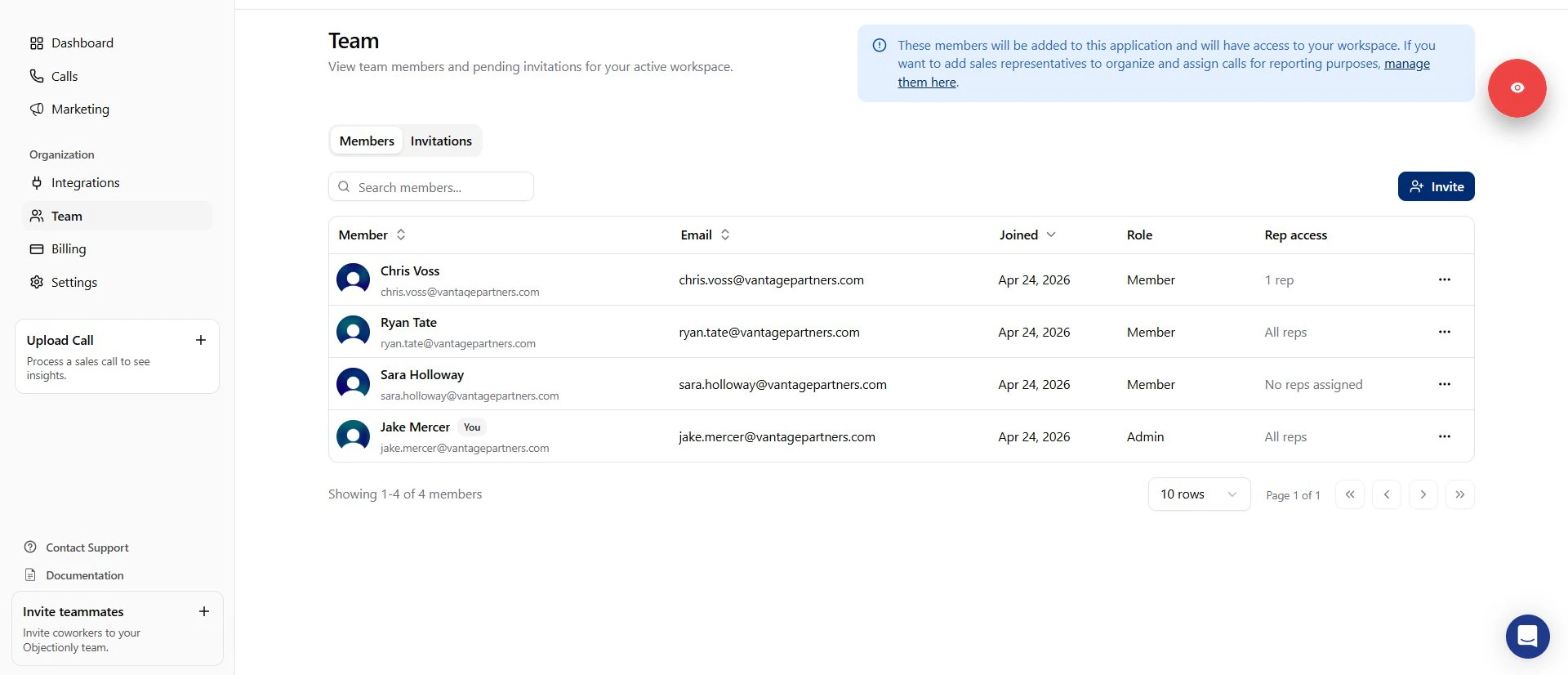 ## In this section
Add someone who should view assigned rep data without admin controls.
Give a trusted teammate full workspace management access.
Update an existing teammate's login role.
Disable a teammate's login access.
## In this section
Add someone who should view assigned rep data without admin controls.
Give a trusted teammate full workspace management access.
Update an existing teammate's login role.
Disable a teammate's login access.