> ## Documentation Index
> Fetch the complete documentation index at: https://docs.objectionly.com/llms.txt
> Use this file to discover all available pages before exploring further.
# Filtered Out Calls
> Review calls Objectionly received but did not process because a filter blocked them.
**Who can do this:** Admins
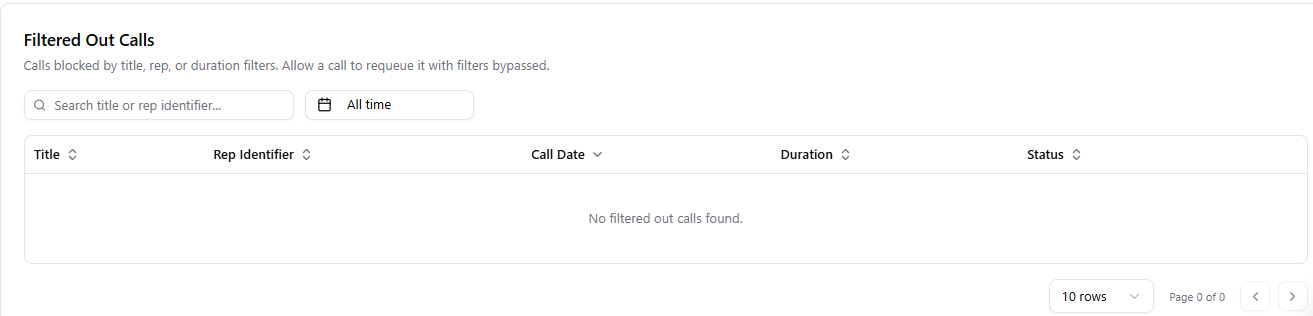
Filtered Out Calls is where you review calls Objectionly received but did not process because a filter blocked them. If a call was filtered out by mistake, you can allow it from here.
 ## Why a call might appear here
* The title did not match any Title Filter
* The host was not an existing rep when rep filtering was on
* The call was too short, at or below the duration minimum
* The call was longer than 8 hours
Filtered out calls do not appear in the main Calls list or in your reporting dashboards until you allow them.
## Allow a filtered out call
Use this when Objectionly filtered out a call, but you still want it processed.
Open Meeting Filters page
Open the **Filtered Out Calls** area.
Find the call you want to process.
Select **Allow**.
## What happens when you allow a call
* The call is sent back to processing.
* Filters are skipped for that call.
* Once processing finishes, the call appears in Calls and your reporting.
Each filtered out call shows the reason it was blocked, such as short call,
title did not match, or unknown rep. Use this to figure out whether your
filters need adjusting.
## Why a call might appear here
* The title did not match any Title Filter
* The host was not an existing rep when rep filtering was on
* The call was too short, at or below the duration minimum
* The call was longer than 8 hours
Filtered out calls do not appear in the main Calls list or in your reporting dashboards until you allow them.
## Allow a filtered out call
Use this when Objectionly filtered out a call, but you still want it processed.
Open Meeting Filters page
Open the **Filtered Out Calls** area.
Find the call you want to process.
Select **Allow**.
## What happens when you allow a call
* The call is sent back to processing.
* Filters are skipped for that call.
* Once processing finishes, the call appears in Calls and your reporting.
Each filtered out call shows the reason it was blocked, such as short call,
title did not match, or unknown rep. Use this to figure out whether your
filters need adjusting.